Complete Cloud DJ Radio Automation Feature List
The Auto DJ service we offer is designed to be used in conjunction with a SHOUTcast (Version 1 or 2) server. To use Cloud DJ - you'll also need one of these services, if you don't have a server already, you can sign up for a SHOUTcast server via our site or alternatively consider our internet radio packages that bundle both SHOUTcast and Cloud DJ for a single monthly cost. Although, you aren't required to have your streaming server with Wavestreaming to use Cloud DJ as it can connect to any server - if you need both SHOUTcast and Cloud DJ, check out our packages.
Advanced Playout Features
- Wavepanel™ Control Panel
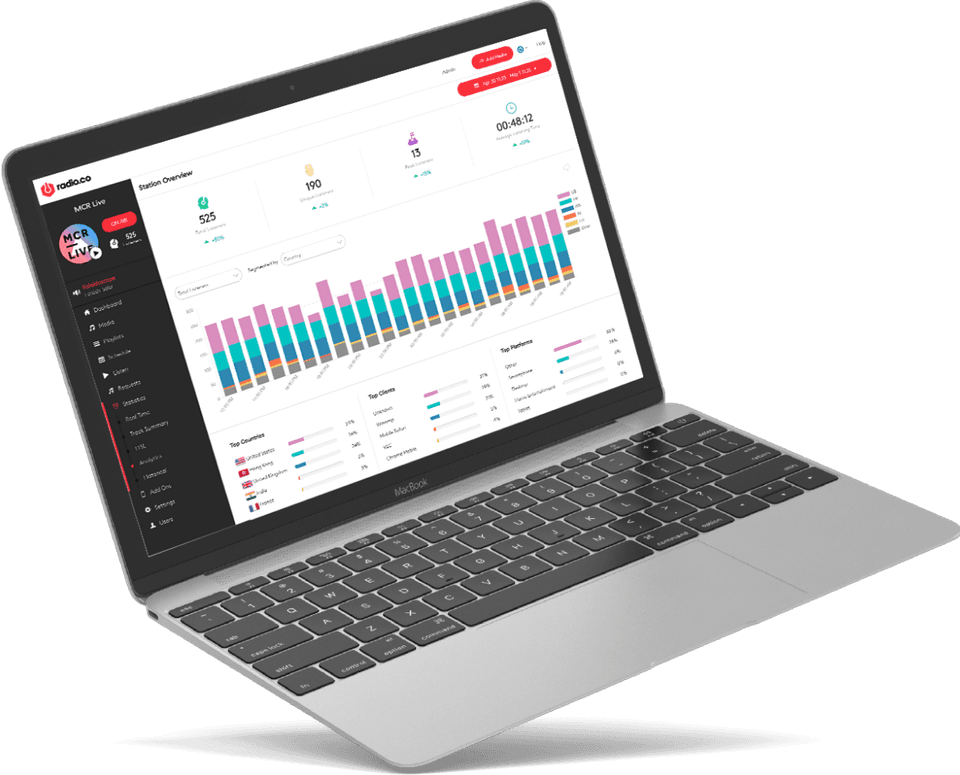
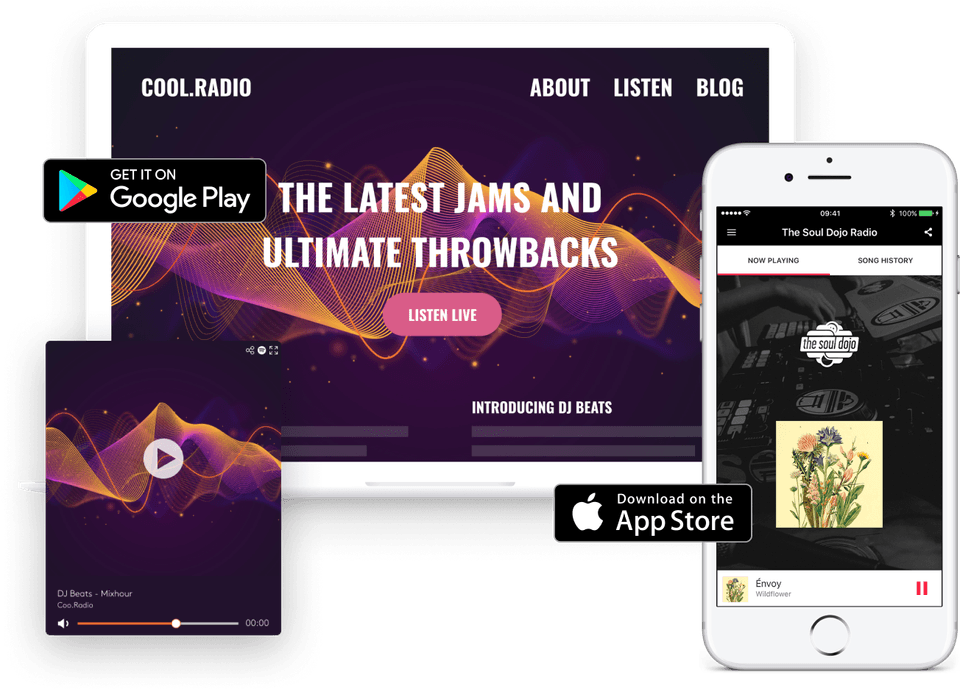
Control everything from the web based control panel, you don't need to run anything on your computer. Our bespoke control panel software Wavepanel is easy to use - with Web 2.0 design and drag and drop features of Cloud DJ..
- Multiple Playlist Modes
Using this automation software can be as simplified or controlled as you like. Easily switch between Shuffle, Playlist or Schedule modes - to give you as much or as little control over your output as you like.
- 24/7 Automation
Your Cloud DJ will be on air 24/7 - you can use it as much or as little as you like and its very simple to switch it on and off. So you can still broadcast live to SHOUTcast when you want!
Music Control
- Cross Fading
Blend your music & create a professional gap-free station sound by killing any dead air between tracks with the crossfader. Fully adjustable between 0-10 seconds!
- Tags
You can assign multiple tags to music, to easily categorise and manage your media for automated playout.
- Clockwheel Playlists
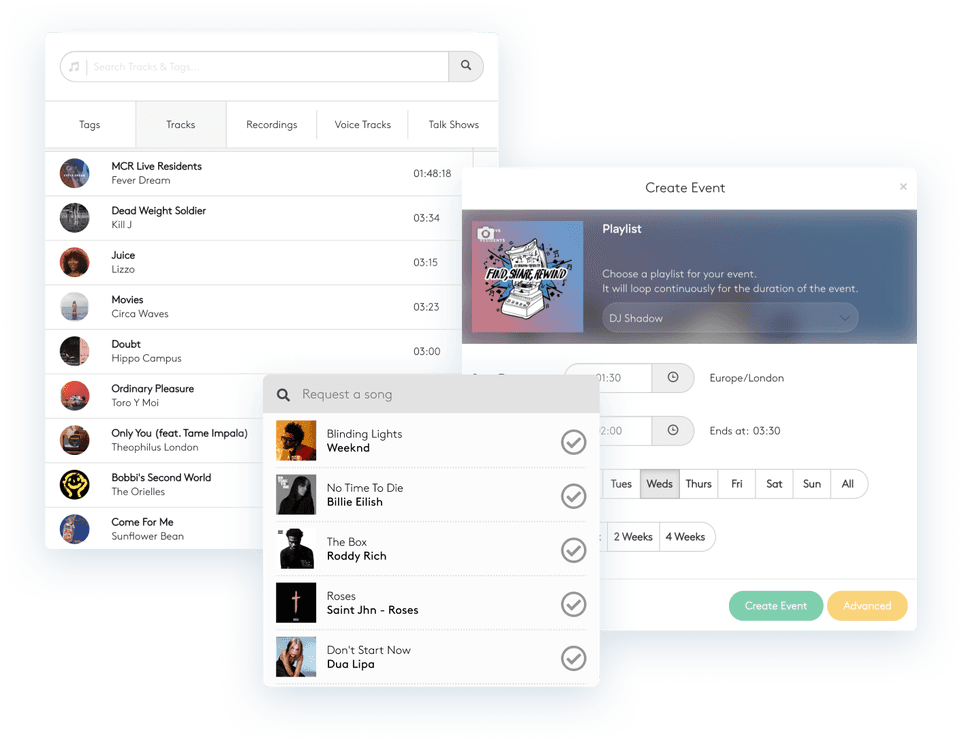
You can create playlists manually (song by song) as well as building templates for playlists using tags that have been applied to your tracks (Eg. Song, Jingle, Song, Advert etc).

- FTP Upload
Upload your music and audio files onto Cloud DJ using any FTP software to make it lightening fast.
Automation Like Interface
- Now Playing & Next Up
You can view the current song that is playing, and what is coming up next - plus see the songs that have just played.
- Song Queue
Quickly edit and view the songs that are lined up to play next. Don't like a song thats been auto selected? No problem, just replace it with something else!
- Full Training Provided
Our comprehensive video series will guide you through every aspect of Cloud DJ, from uploading your content to setting up playlists and managing your music collection.
- Drag and Drop
Create playlists and rearrange music via drag and drop. Select blocks of time with a click of your mouse on the scheduler. Cloud DJ is simple and FUN to use!
Cloud DJ Addon Modules (Coming Soon)
If you have an existing website or are in the process of creating one, you can easily add your SHOUTcast server onto any website and it doesn't have to be hosted with us. Integration is very simple and we have a full suite of tools to quickly get online...
Request System
Allow your listeners to request tracks directly from your website. No complex code is required, just simply copy and paste our request module onto your website and your listeners will immediately be able to browse the areas of your music library that you choose!
Voice Tracking
Record voice tracks to play between tracks and give your DJs restricted access to the feature so they can record links for their radio shows in advance, all this from right within your browser - no recording software required!