Cloud DJ Getting Started Tutorials

This video series will take you through the complete process of using our Cloud DJ radio automation platform. Please follow the videos in order and remember you can watch them as many times as you need. Some of the concepts such as tagging your music are important to understand if you want to take full advantage of its features.
Initial Setup with SHOUTcast

Step 1

Before you start, you'll need to configure Cloud DJ with a SHOUTcast server. You'll either have this included if you've purchased a package, you can buy one on our site or use any other SHOUTcast v1 or v2 Server.

Uploading Media Files to Cloud DJ

Step 2

You'll need to upload your music and audio files to Cloud DJ using FTP and this video will show you how to do it. We recommend you download a free FTP program called Filezilla.

Tags

Step 3 (Introduction)

If you're not familiar with the concept of clockwheel rotation and using tags/categories to organise your media collection. Please watch this informative presentation.

Tagging and Organising Your Music Collection

Step 3

You can use Tags to create collections of media. These can then be added to playlists and generally used when organising your media library, we recommend you use tages to easily identify groups of different files.

Playout Modes

Step 4 (Introduction)

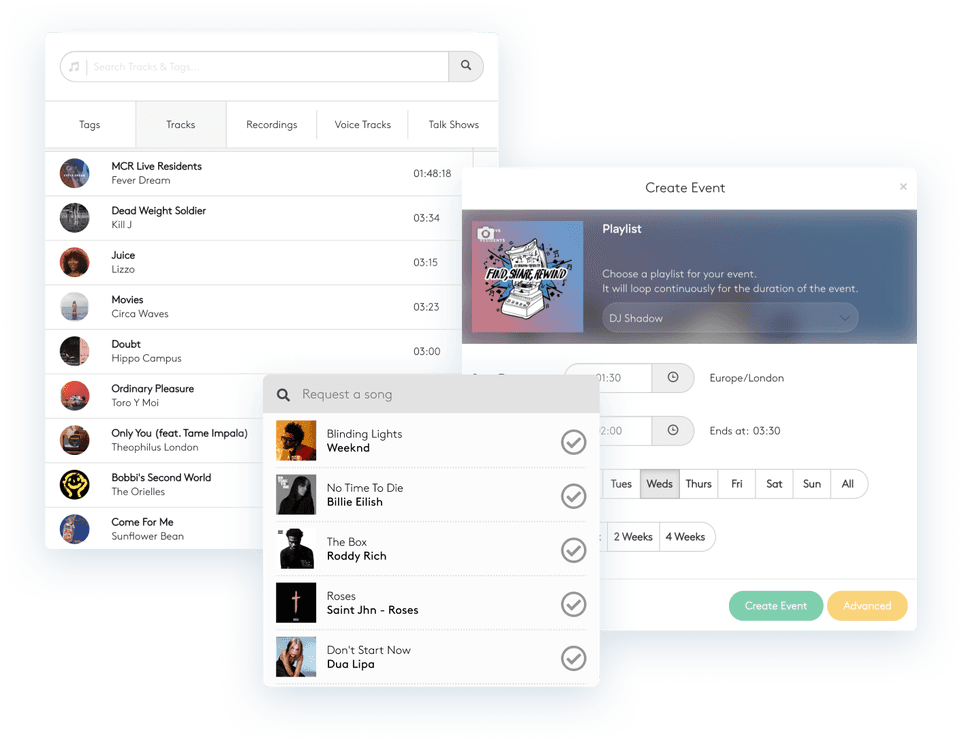
Cloud DJ offers 3 playout modes, Shuffle, Playlist and Schedule. This presentation will explain the differences between each mode.

Creating/Editing Playlists

Step 4

Heres how you can create playlists, either using files or tags. You can create as many playlists as you like in our Auto DJ system.

Scheduling

Step 5

Before you start, you'll need to configure Cloud DJ with a SHOUTcast server. You'll either have this included if you've purchased a package, you can buy one on our site or use any other SHOUTcast v1 or v2 Server.

Starting Cloud DJ

Step 6

Before you start, you'll need to configure Cloud DJ with a SHOUTcast server. You'll either have this included if you've purchased a package, you can buy one on our site or use any other SHOUTcast v1 or v2 Server.

Cloud DJ is complete radio automation, entirely from the cloud. Order today for instant setup!