Auto DJ CDS for SHOUTcast
Keep your Radio Station On Air - Broadcast 24/7 without the need to keep your computer on all the time. Simply upload your music, create a playlist and walk away. It's that easy!

AutoDJ Features
-

-

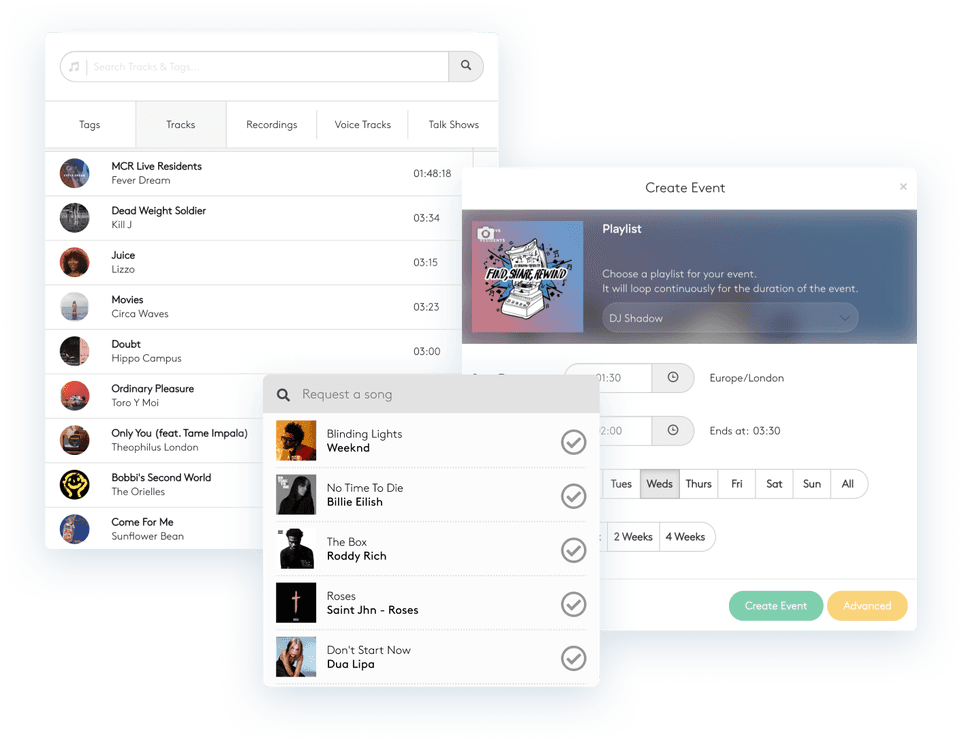
Complete Playlist Control
You can login and control your playlists at any time of the day, via our easy to use Wavepanel control panel.
-

-

Use on ANY SHOUTcast Server
You can connect to your Wavestreaming SHOUTcast server using Auto DJ, or indeed a SHOUTcast server hosted elsewhere!
Order Auto DJ
Auto DJ Requirements
AutoDJ Information
Auto DJ Content Delivery
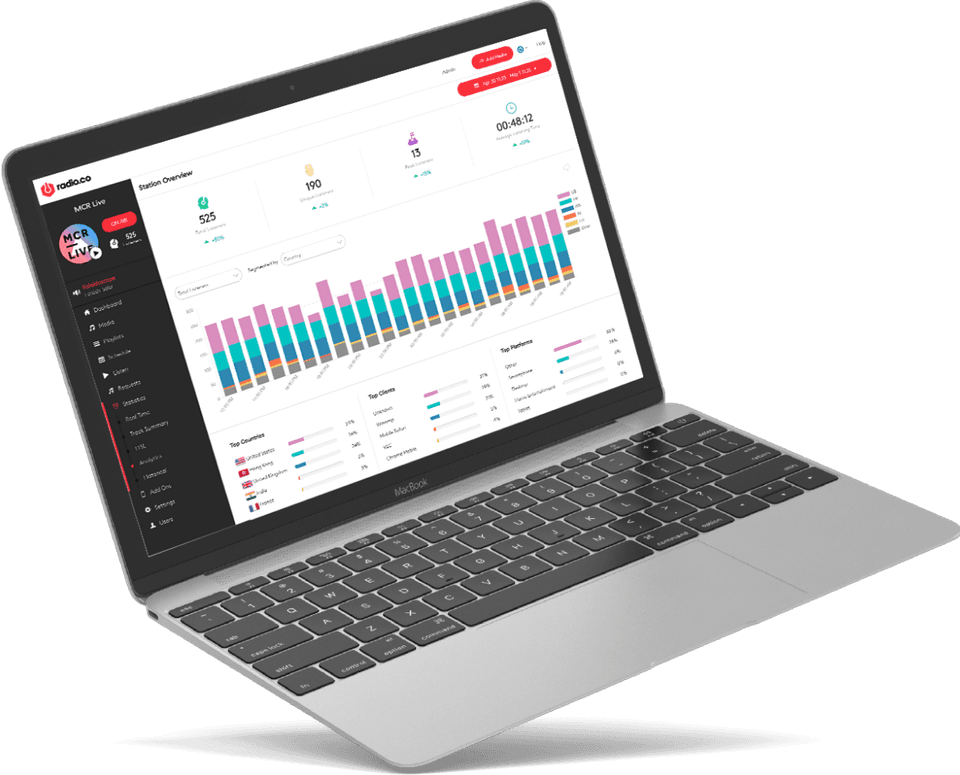
Auto DJ is a new and exclusive service available only to Wavestreaming clients. Full playlist control is given via Wavepanel™ to all Auto DJ servers. This allows you to edit playlists, setup rotation rules (for automation) - our radio system is completely flexible and designed to run with a much or as little user control as you wish!
Auto DJ is designed to work as a live source for shoutcast, meaning you don't have to connect from your PC all the time to keep your stream online. Walk away and leave your station online...Simply upload your files and Auto DJ will do the rest!
The audio files uploaded MUST be encoded to the bitrate you want to stream at. Eg. If you want to stream at 64k - your files must be compressed to this bitrate. To learn how to do this - visit our getting started section.
Please note: A SHOUTcast server is required to use Auto DJ. This must be purchased seperately if you do not already have one - see our SHOUTcast Servers section.
Auto DJ will keep your station on-air 24/7
Turn your computer off at night, everything runs from our end.
Manual, Random and Auto Pilot Playlisting modes
Auto sweeper/advert insertion clockwheel tool
Easily edit/update server configuration options
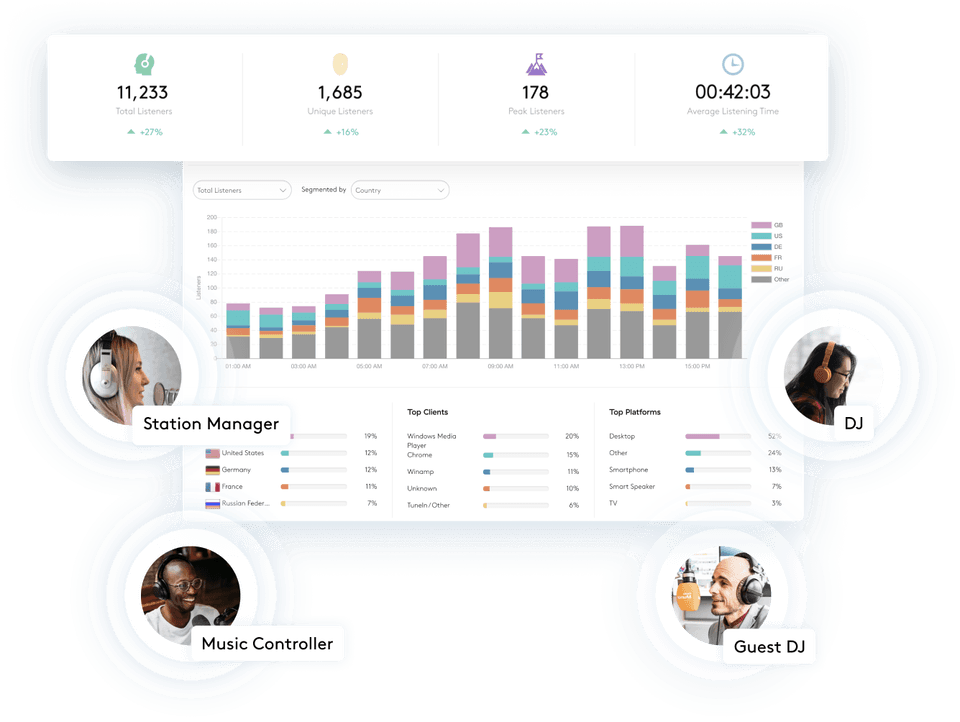
Web control panel Wavepanel system, 24/7 access from anywhere!
Upload files quickly via FTP
Auto DJ will output to any SHOUTcast server* (Even non-wavestreaming ones!)
Order now using the price calculator above!
- Social Networking
- Internet Radio Blog
- Facebook Page
- YouTube Videos
- Follow on Twitter
- MySpace Profile
- About Us
- Why Choose Us?
- Meet our Team
- Reviews/Testimonials
- Server & Network Info
- Uptime Records
- Contact Us
- Articles and Tools
- Flash SHOUTcast Player
- How to start an internet radio station
- Streaming Video Tutorials